
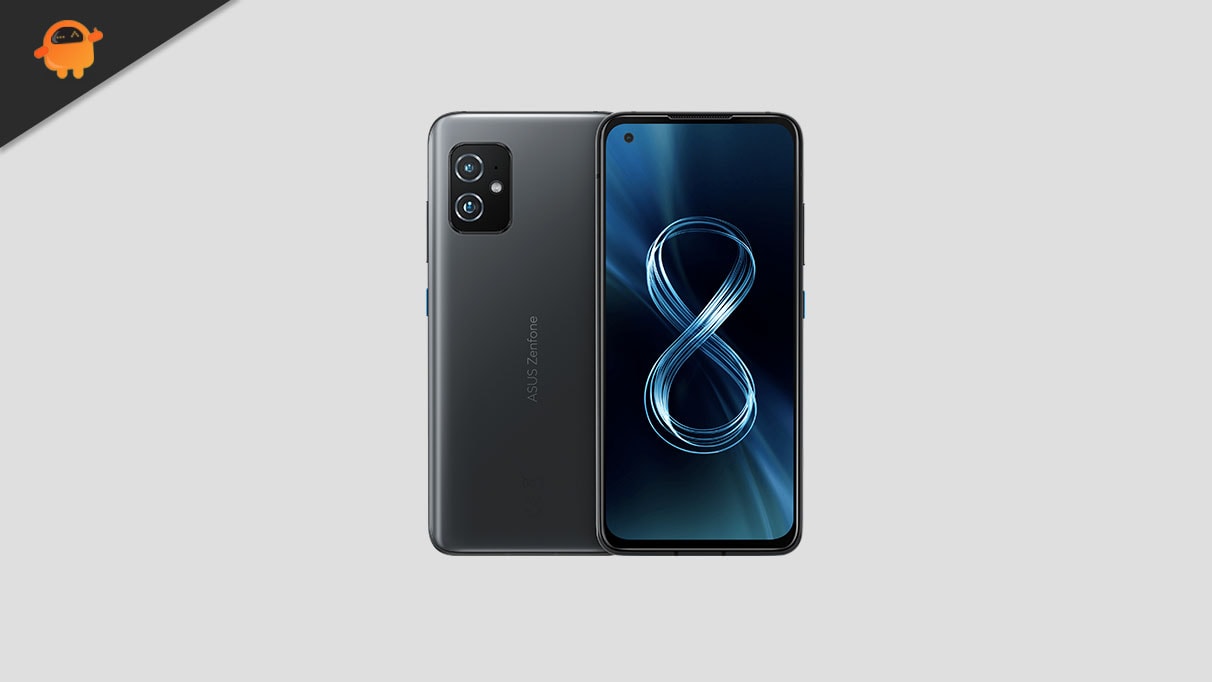
Asus launched the ZenFone 8 series globally last week. The device is powered by Qualcomm Snapdragon 888 processor with Android 11 out of the box. Asus Zenfone 8 is a smartphone without a flip camera whereas Zenfone 8 Flip can flip the reverse camera to use it as a selfie cam.
Looking for a custom ROM for your Asus Zenfone 8 ZS590KS? then you are in the right place. On this page, we have shared all the supported custom ROM for the Asus Zenfone 8.
To install the custom ROM on your device, you must first unlock the bootloader and should have a custom recovery like TWRP or any unofficial one. If you already have one, then you can head over to the list to find which is the best custom ROM suits for your Asus Zenfone 8 to run as a daily driver without compromising the battery or performance.
What is Custom ROM?
Before we head down, you can learn about the custom ROM; well, with the word of XDA, Custom ROMs are one of the best things about Android. By installing custom ROM, you get the benefits such as an improved battery, better performance, easy root access, customization, themes (not all supported), and many more.
Best Custom ROM for Asus Zenfone 8 ZS590KS
You can follow the guide on the same link below on how to install the custom ROM on Asus Zenfone 8.
Android 16:
Android 16 introduces Material 3 Expressive, a refined evolution of Google’s design language for smartphones and tablets. While it doesn’t completely reinvent the interface, it represents one of the most noticeable user-facing changes in the OS. Rather than a dramatic visual overhaul, Material 3 Expressive enhances the foundation laid by Material Design 3 by introducing smoother, more dynamic animations, larger touch targets, and bolder typography.
Android 14:
Android 14, Google’s fourteenth major iteration and the 21st version of its renowned operating system, was unveiled to the public on October 4. The pioneering devices graced with this fresh release were the Pixel 8 and Pixel 8 Pro, underscoring Google’s commitment to keeping its flagship devices at the technological forefront.
This latest installment boasts a plethora of enhancements and innovative features. Among the standout additions are a revamped lock screen, a more intuitive system share sheet, and a redesigned battery-saving mode. Users can also delight in the convenience of drag-and-drop capabilities during app switches, a groundbreaking Ultra HDR support for media, and the visually striking Material You-themed settings toggles. With AI-generated wallpapers and a new monochromatic theme, Android 14 not only refines functionality but also offers a refreshed aesthetic experience.
Lineage OS:
Lineage OS is the legacy of the old famous custom firmware known as CyanogenMod or CM. The company behind Cyanogen.Inc has withdrawn the popular Android mod, CyanogenMod that left many of its users disappointed. Few believed that the legacy of CyanogenMod will be taken forward by a new Android mod, however, it was all uncertain. It is amidst such chaos that Lineage OS was introduced and definitely it gave back everyone the answer concerning Android mod.
Lineage OS is one of the best custom ROM for any Android smartphone. Lineage ROM for Asus Zenfone 8 comes with a lot of features such as Customizable Status bar, Theme, Resizing Nav bar, Nav Bar color, and customization, Quick Toggle feature, and more other features.
You can follow the link to Install Lineage OS for Asus Zenfone 8 device.
Download ROM Here – Lineage OS 21
Download ROM Here – Lineage OS 23
StatiXOS:
StatiXOS is a custom ROM based on the Android Open Source Project aiming to be minimal while providing quality of life improvements and up-to-date security patches.
You can follow the link to Install StatiXOS for the Asus Zenfone 8 device
OmniROM:
Omni ROM is the latest Custom ROM developed by many developers whom you may already know including Chainfire, Xplodwild, and Dees_Troy. This ROM is based on AOSP (Android Open Source Project) and developed with lots of customization, features, and enhancement. Just like every other custom ROM, Omni ROM also has some unique features.
I hope this guide was useful to install the best Custom ROM on Asus Zenfone 8 ZS590KS.