
On this page, we will share the latest Google Camera for the Poco F3 GT with you. Google camera is the stock camera app which ships with Google’s Pixel device. The camera brings the latest HDR+ technology which improves picture quality, especially on low and mid-end phones. The app also includes the Night Sight feature, portrait mode, motion photos, panorama, lens blur, 60fps video, slow motion, and more.
If you are someone who wants to install the Google Camera on your Poco F3 GT, then this guide is for you. Thanks to some of the creative and hard-working developers such as Arnova8G2, BSG, and Urnyx05 who’re trying hard to make ported GCam APK files to most of the devices out there. The Google Camera port is now available for the Poco F3 GT devices.
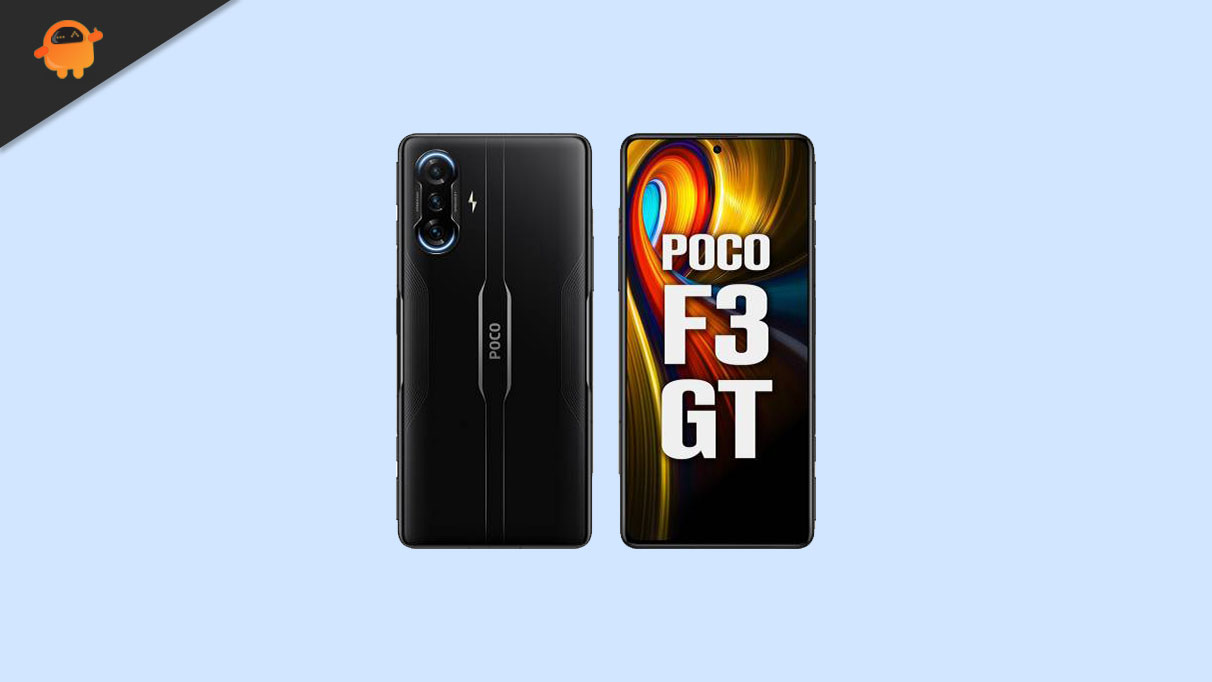
Xiaomi Poco F3 GT Device Overview:
The Poco F3 GT, launched in July 2021, was built with gaming clearly in mind. It features a 6.67-inch AMOLED display with 120Hz refresh rate and HDR10+, protected by Gorilla Glass 5 on both front and back. The standout hardware touch is the physical pop-up gaming triggers, which give it a console-like feel for shooters and racing games.
Powered by the MediaTek Dimensity 1200 (6nm) chipset with UFS 3.1 storage, the phone delivered flagship-level performance for its time, handling heavy gaming and multitasking smoothly under MIUI for POCO based on Android 11.
In daily use, the F3 GT still holds up decently thanks to its solid AMOLED panel, stereo speakers tuned by JBL, and reliable performance. The 64MP triple camera setup is serviceable for casual photography, though not a strong point compared to camera-focused phones.
Battery life is a highlight, with a 5065mAh battery and 67W fast charging that can fully charge the phone in around 42 minutes. Overall, the Poco F3 GT remains a well-remembered device for gamers, especially for those who value physical triggers, fast charging, and a premium gaming-oriented design over camera excellence.
Download Google Camera Port
Latest GCam 9.6.19 Versions:
Other Stable Builds:
Note:
The Google Camera APK files above come from trusted developers in the XDA community and other reliable sources. Compatibility may vary depending on software updates or device configurations. If you encounter issues like app crashes or installation errors, drop a comment below so we can help troubleshoot!
Steps to install Google Camera on Poco F3 GT
The Google Camera APK file installation process is as simple as installing any other third-party APK file. You don’t have to root your device for this.
- Download the GCam APK file from the download link above and tap on it.
- Make sure that the Unknown Sources option is enabled on your device. In order to do this, go to the device Settings menu > Security/Privacy > enable it. [If already enabled, skip to the installation]
- It will launch the package installer and tap on the Install button.
- Once the installation is done, open, and use it.
- Enjoy!
Still, if the camera app doesn’t work, then enable the Camera2api by using build.prop (Not for every device)
Persist.vender.camera.HAL3.enable=1
Steps to Import Pixel 5 Config file:
- First of all, download and move the config file to storage -> Gcam -> config8 folder on your device.
- Open the Google Camera app and tap on the arrow-down icon at the top.
- Now a pop-up menu will appear, tap on more settings.
- You can select the config file
- That’s it! restart the camera app and open it back to enjoy Google Camera on your device.
I hope this guide will help you a lot and you have now successfully installed the Google Camera ported app on your Poco F3 GT handset. In case, if you’re facing any trouble, feel free to write it down in the comments below.