
In this tutorial, we will guide you to remove the FRP lock on your Samsung Galaxy A70 SM-A805F smartphone. Follow this method to bypass the FRP or Google verification using the ISP pinout method. You can find Samsung Galaxy A70 ISP Testpoint here.
Also Read
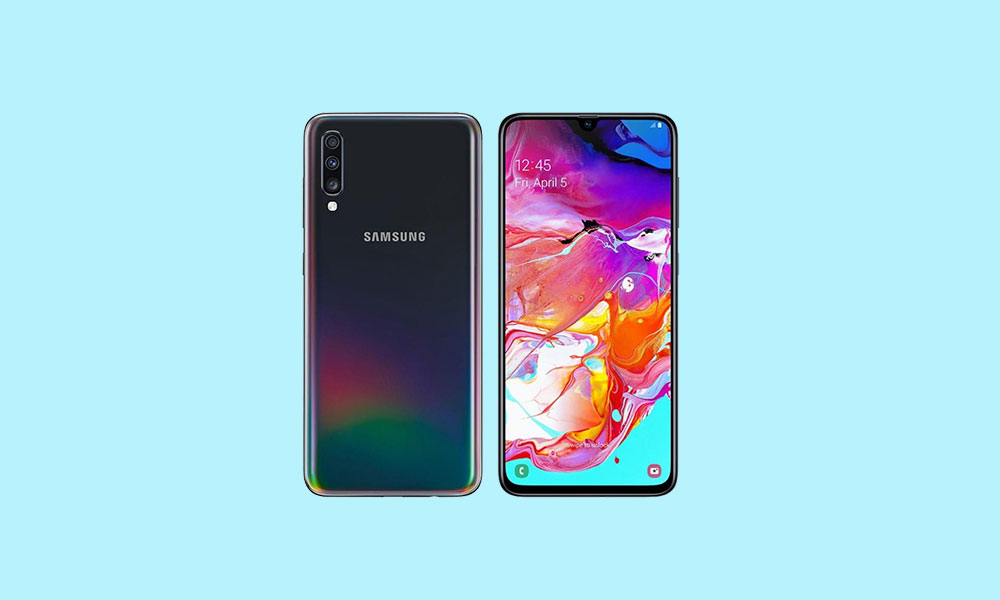
Samsung Galaxy A70 Overview
The Samsung Galaxy A70 sports a 6.7-inch full-HD+ Super AMOLED display with 1080×2400 pixels resolution. It runs on One UI based on Android 9.0 Pie version. The phone is powered by the Snapdragon 675 SoC coupled with Adreno 612 GPU. It packs the 6GB/8GB of RAM and 128GB of internal storage which can be expandable up to 1TB.
It offers Dolby Atmos, an in-display fingerprint sensor though recognition is quite slow. The triple rear camera setup of 32MP+8MP+5MP sensors along with an LED flash offers great image quality. But the smartphone lacks EIS and OIS support. It packs a 4,500 mAh battery with Fast Charging support.
Instructions To Bypass FRP lock on Samsung Galaxy A70 using UFI
Make sure to download the required tool and drivers to complete this process successfully.
Required Downloads
Pre-Requirements:
- This guide is for the Samsung Galaxy A70 SM-A805F variant only.
- You will need a Windows PC/Laptop and a USB cable.
Well, ‘FRP’ known for the term “Factory Reset Protection.” It’s a security measure taken by Google for Android platforms and devices running on the Android 5.1 Lollipop or above version. This functionality gets activated once you sign in to a Google Account on your Android device. And once it is activated, it will prevent you from using the phone until you enter the previous Google Account Credentials. It will remain the same as well, even after doing the factory data reset.
- Open the back panel of the device at first.
- Connect the wire with the correct ISP Pinout.
- Then connect the ISP Pinout to the UFi Box and connect your device via USB cable to the PC.
- Go to the Device Manager on your PC.
- You will see your device in the list > run the UFi Box and locate the scatter file.
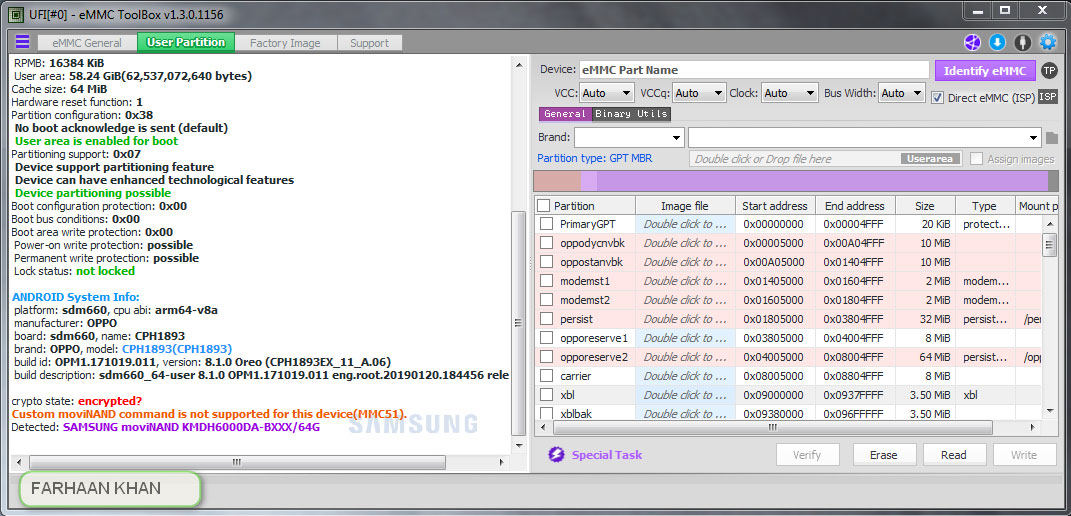
- Go to the user Partition / Special Task and click on Reset FRP on the UFI Box.
- You’re done.
Steps to Hard Reset Samsung Galaxy A70 (Bypass Pattern Lock)
- Remove the back panel of the Samsung Galaxy A70 and connect the wire to the ISP Pinout.
- Next, connect the correct ISP Pinout to the UFi Box.
- Connect your Samsung Galaxy A70 to the PC via a USB cable.
- Head over to the PC and open Device Manager.
- If your device is located there, run the UFi Box.
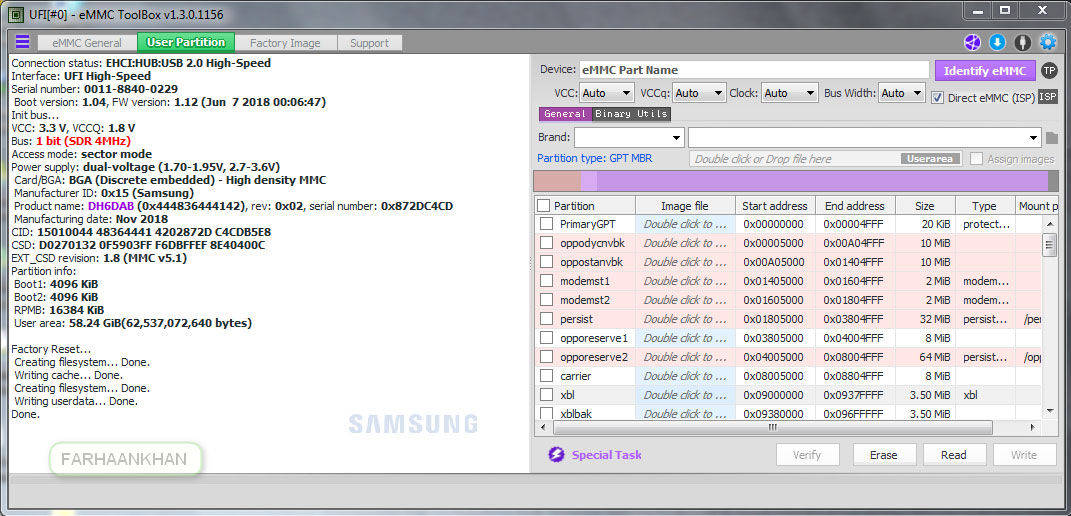
- Locate the scatter file > go to the Partition / Special Task on the UFI Box.
- Click on Factory Reset.
- Enjoy!
That’s it, guys. We hope this guide was helpful to you in order to bypass the FRP Lock or perform a factory reset on your Samsung Galaxy A70 (SM-A805F) handset.