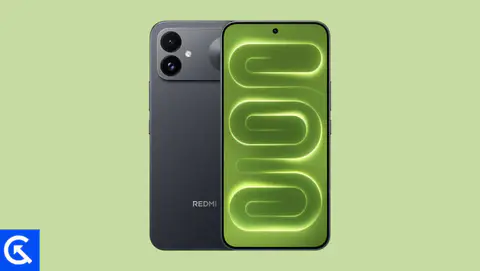
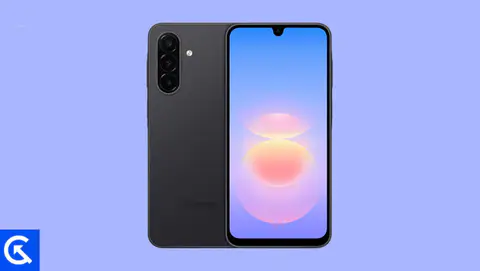
Realme GT Neo has been launched in China and later launched in other parts of the country like Hong Kong, Malaysia, and more. The device comes with MediaTek Dimensity 1200 SoC and a triple rear camera setup. It has a hole-punch cutout for the selfie camera and slim bezels all around.
On this page, we will share the latest Google Camera for the Realme GT Neo with you. Google camera is the stock camera app which ships with Google’s Pixel device. The camera brings the latest HDR+ technology which improves picture quality, especially on low and mid-end phones. The app also includes the Night Sight feature, portrait mode, motion photos, panorama, lens blur, 60fps video, slow motion, and more.
If you are someone who wants to install the Google Camera on your Realme GT Neo, then this guide is for you. Thanks to some of the creative and hard-working developers such as Arnova8G2, BSG, and Urnyx05 who’re trying hard to make ported GCam APK files to most of the devices out there. The Google Camera port is now available for the Realme GT Neo devices.

Download Google Camera Port
Latest GCam 9.6.19 Versions:
Other Stable Builds:
Note:
The Google Camera APK files above come from trusted developers in the XDA community and other reliable sources. Compatibility may vary depending on software updates or device configurations. If you encounter issues like app crashes or installation errors, drop a comment below so we can help troubleshoot!
Steps to install Google Camera on Realme GT Neo
The Google Camera APK file installation process is as simple as installing any other third-party APK file. You don’t have to root your device for this.
- Download the GCam APK file from the download link above and tap on it.
- Make sure that the Unknown Sources option is enabled on your device. In order to do this, go to the device Settings menu > Security/Privacy > enable it. [If already enabled, skip to the installation]
- It will launch the package installer and tap on the Install button.
- Once the installation is done, open, and use it.
- Enjoy!