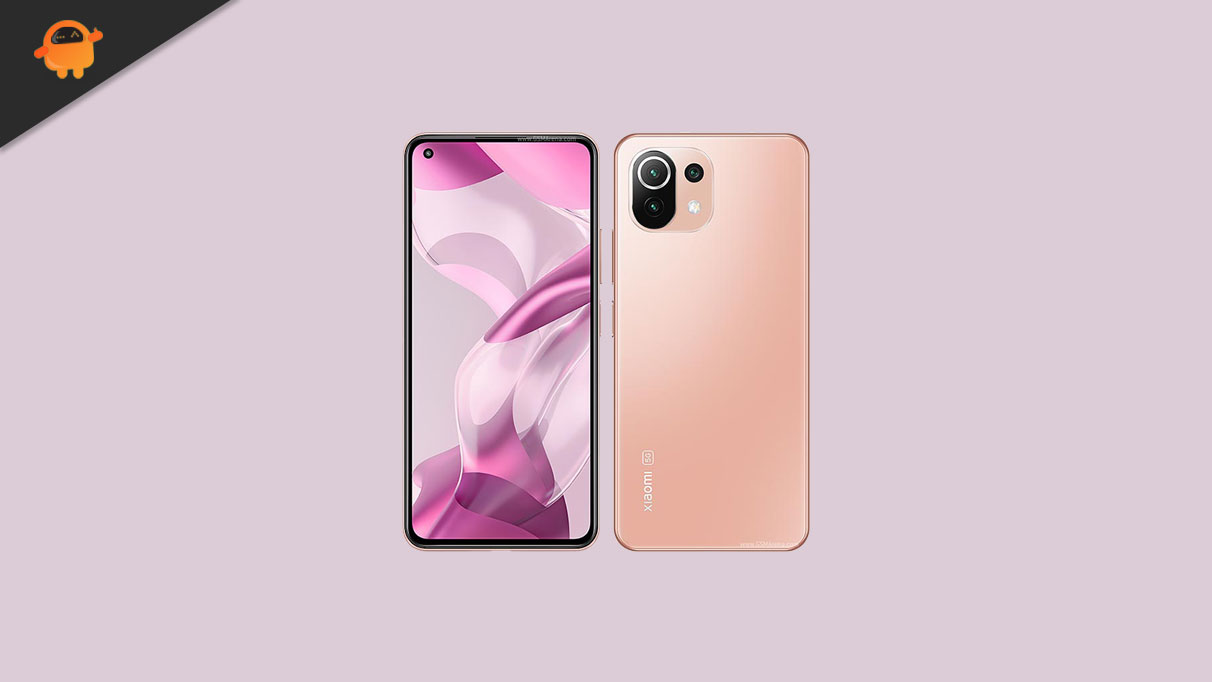
In this guide, we will share the list of official Europe stable ROM for the Xiaomi 11 Lite 5G NE handset. The device is codenamed under lisa.
If you have bought this device and still have not received a new update on your device, then this guide is for you. Here, we will share all the latest Europe Stable ROM for the Xiaomi 11 Lite 5G NE.
If you have not received any new updates to the device recently, then follow up on our guide on how you can check for the software update manually. To do that, head to the Settings -> About Phone and Tap on a Software Update to check for the new version for the Xiaomi 11 Lite 5G NE.
The Xiaomi 11 Lite 5G NE features a 6.55-inch FHD+ AMOLED panel with a resolution of 1080 x 2400 pixels and an aspect ratio of 20:9. It has support for 1B colors, Dolby Vision, and HDR10+. It is a high refresh rate panel with a 90Hz refresh rate. Under the hood, we have the mid-range flagship Qualcomm Snapdragon 778 5G chip built on a 6nm manufacturing process. It is an octa-core processor with four Kryo 670 cores clocked at 2.4 GHz and four Kryo 670 cores clocked at 1.8 GHz. For handling the graphics-intensive tasks, we have the Adreno 642L.
In terms of optics, we have a triple camera setup at the rear and a single selfie camera at the front. The triple camera consists of a 64MP primary sensor paired with an f/1.8 lens, an 8MP ultrawide sensor paired with an f/2.2 lens, and a 5MP telephoto sensor paired with an f/2.4 lens. At the front, we get a 20MP sensor paired with an f/2.2 lens. The rear setup can capture 4K videos, while the front setup is limited to 1080p video recording.
There are three storage options of this smartphone: 128GB internal storage + 6GB RAM, 128GB internal storage + 8GB RAM and 256GB internal storage + 8GB RAM. There is also a hybrid microSD slot for storage expansion. In terms of communications, we get Wi-Fi 802.11 a/b/g/n/ac/6, Bluetooth 5.2, GPS, NFC, Infrared port and USB Type-C 2.0. And in terms of features, we get a side-mounted fingerprint sensor, accelerometer, gyro, and compass. Powering it all is a 4250 mAh battery that supports 33W fast charging. The smartphone is available in four color options: Truffle Black, Bubblegum Blue, Peach Pink, Snowflake White.
Manually Check OTA Updates
Before moving to the guide, we recommend you first check if the OTA is already available for your device manually. To do that, go to the phone Settings > About Phone > Software update. Additionally, you can perform this task via the Software Updater app directly. If the software version is available, you can grab it.
Updated Android Security Patch to December 2022. Increased system security.
Stable MIUI based on Android 13
Your device will be upgraded to the new version of Android. Don’t forget to back up all important items before upgrading. The update process might take longer than usual. Expect overheating and other performance issues after you update – it might take some time for your device to adapt to the new version. Remember that some third-party apps aren’t yet compatible with Android 13 and you might not be able to use them normally. Thanks for your continued support.
More features and improvements
Search in Settings is now more advanced. With search history and categories in results, everything looks much crisper now.
How to Install MIUI Europe Stable ROM for Xiaomi 11 Lite 5G NE (lisa)
Installing the stock ROM or upgrading the MIUI version on Xiaomi devices is comparatively easy. But you should follow all the pre-requirements and downloads below before proceeding.
Pre-Requirements:
Supported for: Xiaomi 11 Lite 5G NE (lisa) only. The device should be running on stock ROM to apply the update.
Requires: A PC/Laptop and a USB cable.
Backup: Take a full Backup of Phone Data at first to keep the important files safe.
Charge: Keep your device charged more than 50%.
Mi Flash Tool – Download and Install them on your PC
We recommend to take a full backup first. GetDroidTips will not be held responsible for any type of issue on your device while or after following this guide or even flashing any file. So, proceed at your own risk.
Instructions to Install:
We assume that you’ve followed the downloads and requirements properly. Now, you can proceed to install MIUI Europe Stable ROM on Xiaomi 11 Lite 5G NE. Check out the guide link below along with a video tutorial as well.
You can check out our full-depth tutorial video as well:
We hope that you’ve updated or installed the latest MIUI version on your Xiaomi 11 Lite 5G NE (lisa) successfully. Feel free to ask in the comments below for any queries.