We use the internet for almost everything nowadays and since we need a stable internet connection so much, we always prefer using Wi-Fi but it does have its shares of wifi...
Here we have shared the files to download and install Stock Firmware on H96-P Mini Projector under Amlogic processor. The device comes packed with Android 5.1.1 Lollipop firmware....
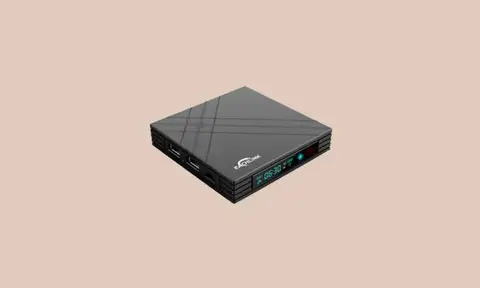
Here we will guide on how to install Stock Firmware on Eachlink H6 Mini TV Box. We have the latest Android 7.0 Nougat firmware. Alright, so it looks like that you are someone who...
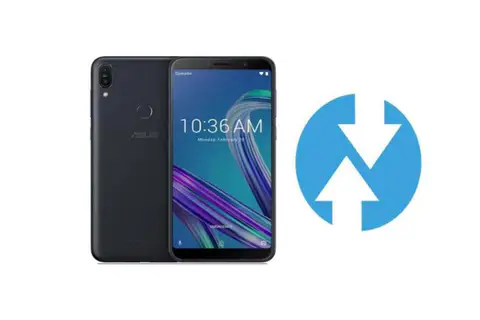
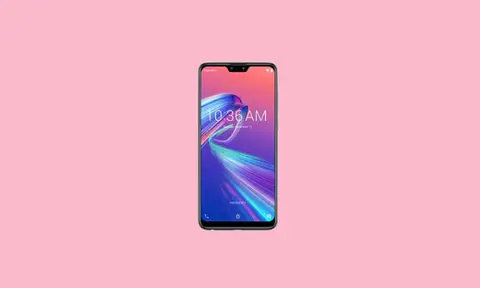
Asus Zenfone Max M2 (codename: X01AD) was launched in the year December 2018. The smartphone came out of the box with Android 8.1 Oreo. Recently this device has received the...
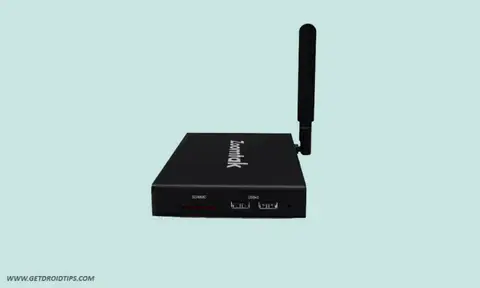
Here we will guide on how to install Stock Firmware on Zoomtak Upro TV Box. We have both the Android 7.1 Nougat firmware. Alright, so it looks like that you are someone who has a...
In this post, we would be sharing the files to download and install Stock Firmware on Zoomtak VPlus TV Box which is powered by an AMLogic S912 chip. The device has a 2GB RAM +...
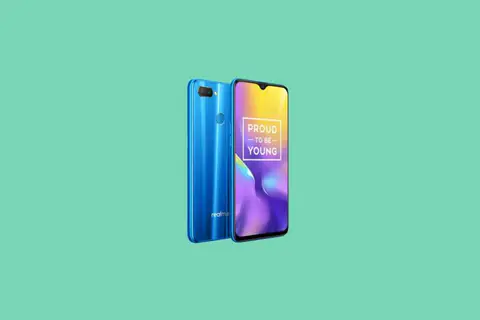
Are you here to unlock bootloader on Realme U1? if yes, then you are in the right place. Well, Today in this guide we will show you how to unlock Bootloader on Realme U1 (RMX1831,...
These days are there is a lot of scope of customization in Android. The increased demand and availability of custom ROMs, recoveries, APK mods have made this possible. If you want...
Today we will guide you on How to unlock Bootloader on Samsung Galaxy S10. If you want to install any custom Recovery or want to root your device. Then the first step in doing so...
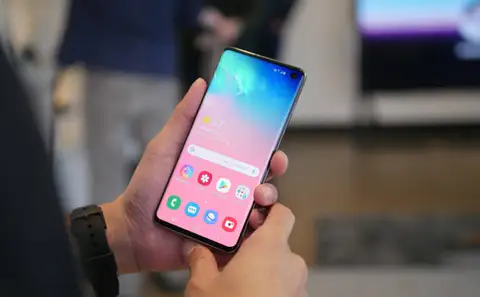
Here we will guide you on how to clear App data on Samsung Galaxy S10. If you are facing lag on your phone or your app gives you an error message, then we recommend you to clear...
With the passage of time, Android keeps collecting temporary data and cache inside its memory. This cache data reduces the performance of the device. So today, we are going to...
If you want to access developer options in Samsung Galaxy S10, then you need to enable developer options and USB debugging on Galaxy S10 first. It is a simple process and we will...
Today, we will guide on how to reset network settings on Samsung Galaxy S10. With this option, you can reset all network settings, including Wi-Fi, Bluetooth, and Mobile data. If...
Today we will guide you on how to check new software update on Samsung Galaxy S10. Software updates are the most important aspect for any smartphone as they bring security updates...
If you ever stuck on your device and want to perform a factory reset or wipe Dalvik cache then you need to enter recovery mode on Samsung Galaxy S10. Today in this article, we...