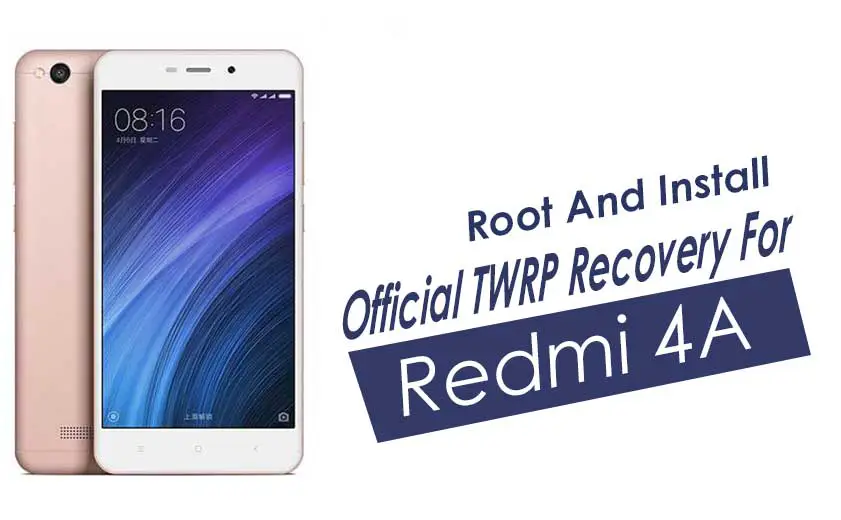
This guide covers installing the official TWRP recovery on the Xiaomi Redmi 4A (codename rolex) and rooting it with Magisk. You need an unlocked bootloader first, since the stock recovery cannot flash custom files. Once TWRP is installed you can flash custom ROMs and mods, take Nandroid backups, wipe partitions, and gain root.
Xiaomi Redmi 4A overview
The Xiaomi Redmi 4A has a 5-inch 720 x 1280 IPS LCD display, a quad-core Snapdragon 425 processor with the Adreno 308 GPU, 2GB or 3GB of RAM, and a 3,120mAh battery. It launched in November 2016 on Android 6.0.1 Marshmallow with MIUI 8.
TWRP recovery and its advantages
Team Win Recovery Project (TWRP) is an open-source custom recovery with a touch interface. It lets you flash third-party firmware and ZIPs and back up the system, functions the stock recovery does not support.
- Flash custom ROMs and modding ZIPs
- Install Magisk and Magisk modules
- Root and unroot by flashing ZIPs
- Create and restore Nandroid backups
- Flash image files
- Remove bloatware
- Wipe cache and data
How to install TWRP recovery on the Xiaomi Redmi 4A (rolex)
Go through the requirements below first.
Prerequisites
- This file and guide are for the Xiaomi Redmi 4A (rolex) only. Do not try it on other devices.
- Unlock the bootloader on the Redmi 4A.
- A PC or laptop and a USB cable.
- Take a full backup of your data.
- Charge the phone battery.
- Download the files you need:
Download TWRP
| File Name |
TWRP Recovery |
| Version |
Latest |
| Support |
Official |
| Developer |
TWRP Team |
| Download Link |
Download |
Disclaimer
GetDroidTips is not responsible for any damage or error that happens to your device while or after following this guide. Take a full backup first, and proceed at your own risk.
Install TWRP with fastboot
- Enable Developer Options: go to Settings > About Phone and tap MIUI Version seven times, then turn on USB Debugging in Developer Options.

- Open the ADB and Fastboot folder on your PC, hold Shift, right-click, and open a command window.

- Connect the phone and reboot it into fastboot mode:
adb reboot bootloader
(or power off and hold Volume Down + Power)
- Confirm the phone is detected:
fastboot devices
- Rename the downloaded image to twrp.img, place it in the platform-tools folder, and flash it:
fastboot flash recovery twrp.img
- To boot TWRP without flashing, use
fastboot boot twrp.img instead.
- TWRP is now installed on your Redmi 4A. Next, flash root.
What is root?
Rooting gives you superuser (administrator) access to the Android system, so you can tweak, edit, or delete system files and apps. With root you can remove bloatware, improve performance, extend battery life, install Magisk modules, and more. Rooting voids the warranty, may stop OTA updates, and can brick the device if done incorrectly, so follow the guide carefully.
Advantages of rooting
How to root the Xiaomi Redmi 4A with Magisk
With TWRP installed, flash the Magisk ZIP to gain root access. The full walkthrough is linked below.
Guide to Root the Redmi 4A with Magisk
FAQ
Do I need to unlock the bootloader first?
Yes. TWRP cannot be flashed on a locked bootloader, so unlock it before you start.
Should I root with SuperSU or Magisk?
Magisk. SuperSU is discontinued; Magisk is the current root method, with systemless root and module support.
Will installing TWRP erase my data?
Flashing TWRP itself does not wipe data, but unlocking the bootloader does, so back up first.
That covers installing TWRP and rooting the Xiaomi Redmi 4A. If you run into any trouble, leave a comment below.